
CRM and sales
Configure leads, deals, client records, pipelines, automation rules, notifications, and hand-offs between departments.

We help turn Bitrix24 into a practical business workspace: design processes, configure CRM and collaboration, integrate external systems, and build custom workflows where the platform’s standard capabilities are not enough.
















Configure leads, deals, client records, pipelines, automation rules, notifications, and hand-offs between departments.
Configure corporate chats, video calls, calendars, news feeds, documents, and collaboration spaces.

Organise projects, workgroups, task assignment and control, process templates, deadlines, and delivery reporting.

Design business processes, smart processes, approvals, routes, statuses, and workflows for requests and documents.

Identify roles, data entry points, current tools, constraints, and the scenarios required for the first phase.
Connect Bitrix24 to websites, email, telephony, accounting systems, and external APIs; plan agreed data migration.
Set up company structure, roles, access rights, CRM entities, directories, pipelines, and workspaces.
Build apps, interfaces, and automation for non-standard workflows, test them, and support launch.
Pipelines, departments, approval rules, exceptions, and access levels define configuration and validation effort.
The composition, quality, and volume of historical data affect migration rules, reconciliation, and launch.
Websites, telephony, 1C, email, ERP, and external services require data-exchange design and error handling.
Custom apps, widgets, interfaces, and API development are estimated separately from standard platform configuration.
We bring sales, communication, tasks, and automation into one environment while keeping roles, data, and process ownership clear.
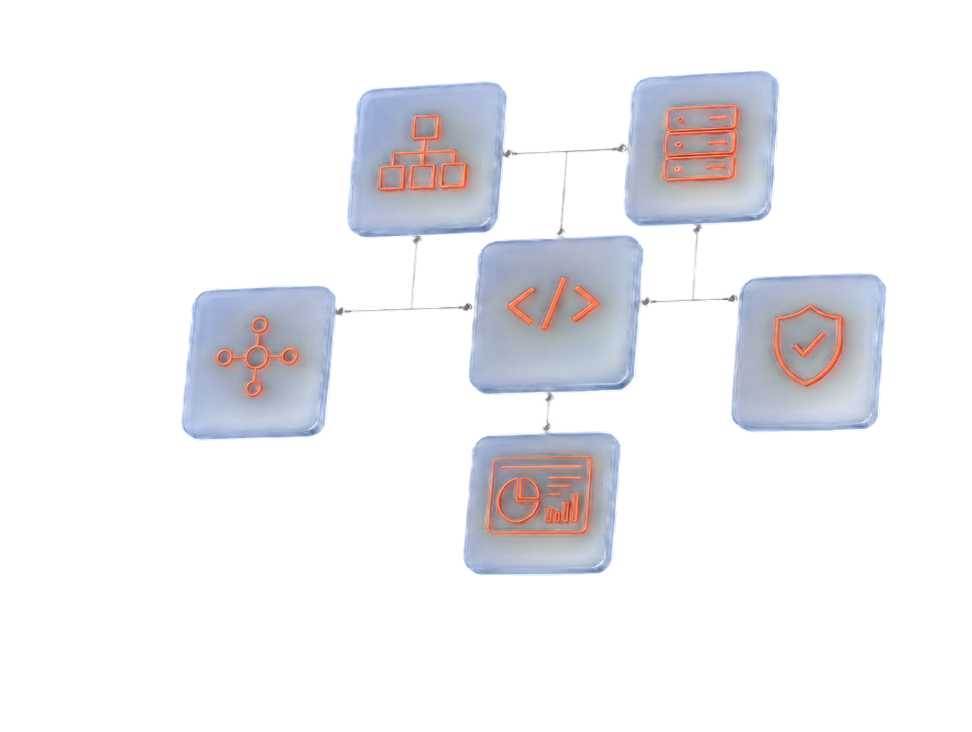

Configure leads, deals, client records, pipelines, automation rules, notifications, and hand-offs between departments.

Organise projects, workgroups, task assignment and control, process templates, deadlines, and delivery reporting.

Configure corporate chats, video calls, calendars, news feeds, documents, and collaboration spaces.

Design business processes, smart processes, approvals, routes, statuses, and workflows for requests and documents.

Identify roles, data entry points, current tools, constraints, and the scenarios required for the first phase.
The scope depends on the number of users, workflows, integrations, migration data, and requirements for custom development.







Align implementation goals, users, workflows, current systems, and first-stage success criteria.
Define modules, roles, data, integrations, routes, and first-phase boundaries.
Configure Bitrix24 and build the agreed integrations or custom components.
Validate workflows, access rights, and data exchange, then prepare users for the new process.
Support launch, collect feedback, and plan the next automation stages.
We help turn Bitrix24 into a practical business workspace: design processes, configure CRM and collaboration, integrate external systems, and build custom workflows where the platform’s standard capabilities are not enough.
We bring sales, communication, tasks, and automation into one environment while keeping roles, data, and process ownership clear.
Tell us about the workflows, team, and systems Bitrix24 needs to work with. We will propose a first-stage scope and estimation approach.

We provide an initial estimate within one business day after clarifying the processes and connected systems.
Align implementation goals, users, workflows, current systems, and first-stage success criteria.
Define modules, roles, data, integrations, routes, and first-phase boundaries.
Configure Bitrix24 and build the agreed integrations or custom components.
Validate workflows, access rights, and data exchange, then prepare users for the new process.
The implementation timeline is defined after reviewing workflows, modules, and the integration landscape.

Clarify objectives
Align implementation goals, users, workflows, current systems, and first-stage success criteria.
Design the solution
Define modules, roles, data, integrations, routes, and first-phase boundaries.
Configure and develop
Configure Bitrix24 and build the agreed integrations or custom components.
Test and onboard users
Validate workflows, access rights, and data exchange, then prepare users for the new process.
Launch and evolve
Support launch, collect feedback, and plan the next automation stages.
Tell us about the workflows, team, and systems Bitrix24 needs to work with. We will propose a first-stage scope and estimation approach.
Free PDF checklist
42 questions help define goals, first-release scope, integrations, security requirements and vendor-selection criteria.